Enabling Active User Filtering using a CSV file
This article explains how you can enable Active User Filtering using a CSV file.
Prerequisites
-
Partner Administrators and Partner Agents have the ability to set up Active User Filtering features.
CSV file
A comma-separated values (CSV) file is a plain text file used to store data.
The Active User Filtering feature requires that the CSV file is formatted as follows:
-
Each email address must be in a valid email format.
-
Only one email address is allowed per line.
-
The file must be saved with the .csv file extension.
-
The CSV file can be a maximum of 2MB.
Here is an example of a properly formatted CSV file.
employee1@gmail.com
employee2@gmail.com
employee3@gmail.com
To add the CSV directory type:
-
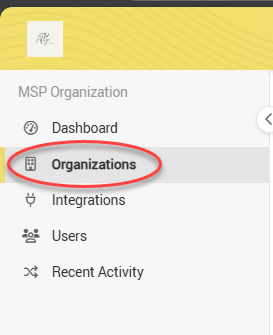
In the sidebar menu, select Organizations.
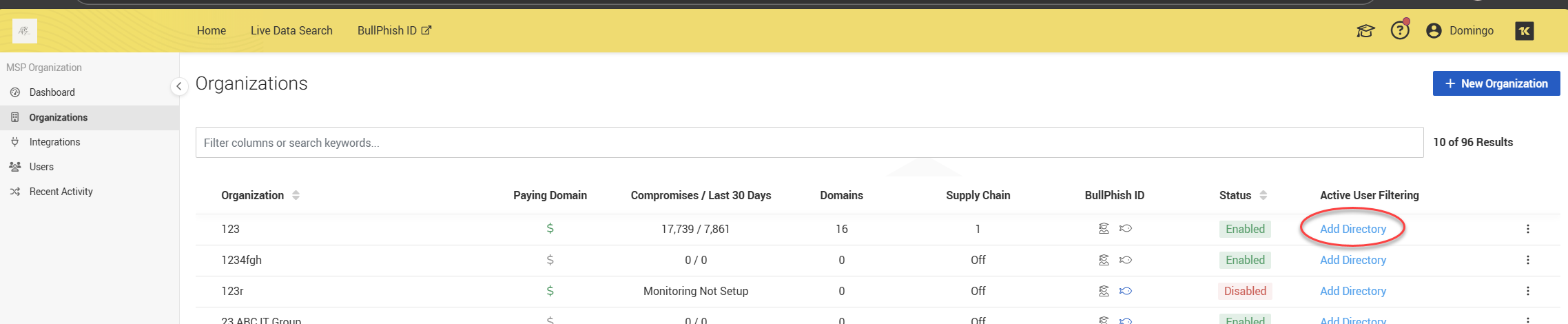
3. In the Active User Filtering column, for the applicable organization, click Add Directory.
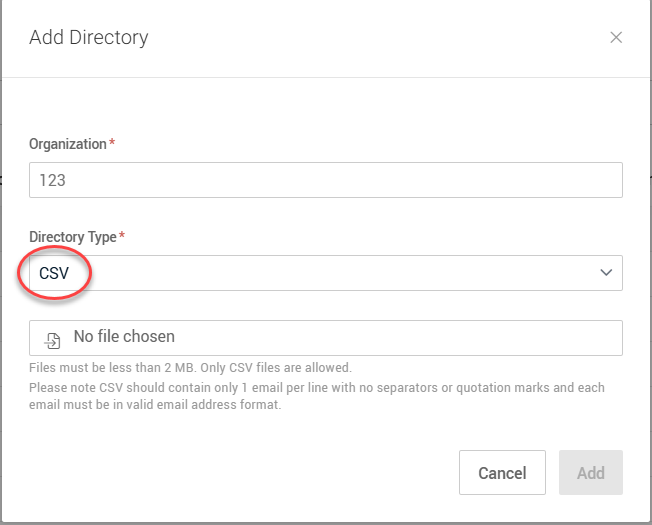
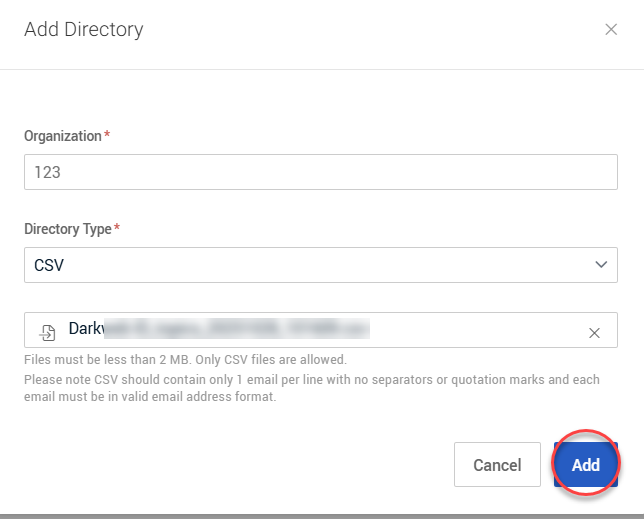
4. In the Add Directory modal, CSV is automatically selected in the Directory Type list.
5. Click the No file chosen field. Select your CSV file.
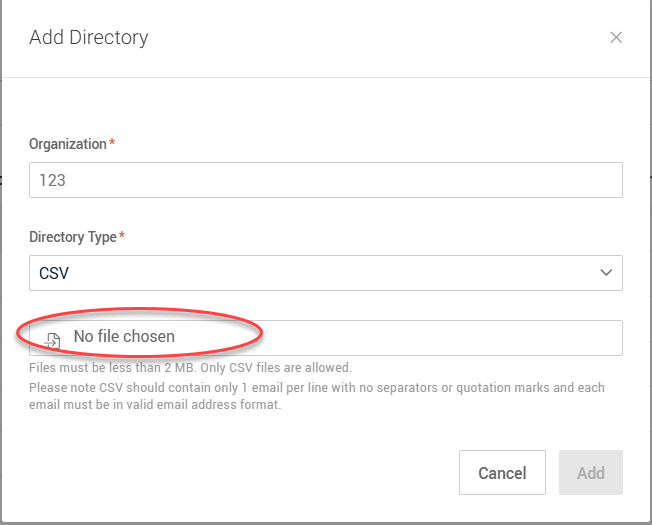
NOTE The CSV file must be less than 2MB with valid emails. You will receive emails for daily/monthly notifications related to uploaded emails only.
6. Click Add.
Active User Filtering is now enabled for the organization.


