My domain is registered for monitoring, but it is not showing in Cyber Threat overview or any of the reports
If your domain is registered for monitoring, but it is not showing in any reports, do the following:
-
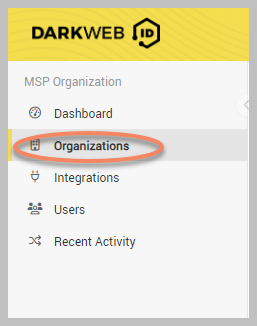
In the left menu, click Organizations.
-
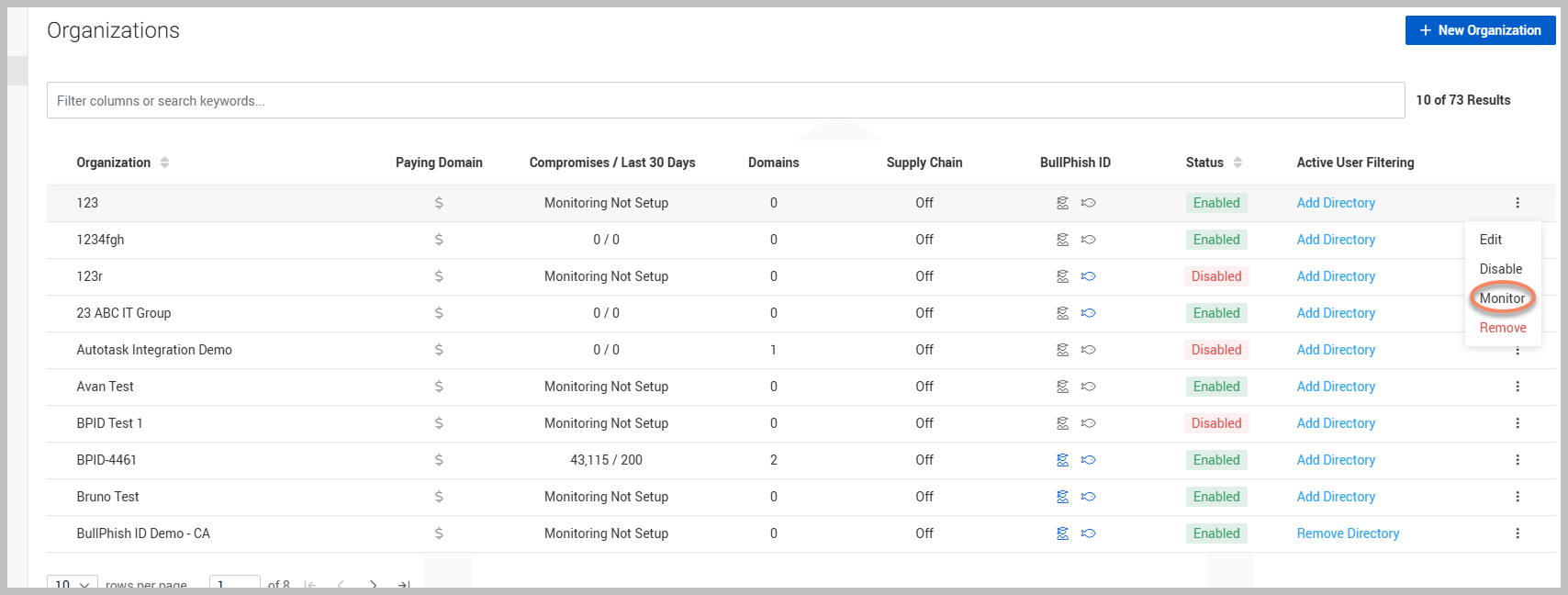
Click the ellipsis menu on the right of the organization and then click Monitor.
-
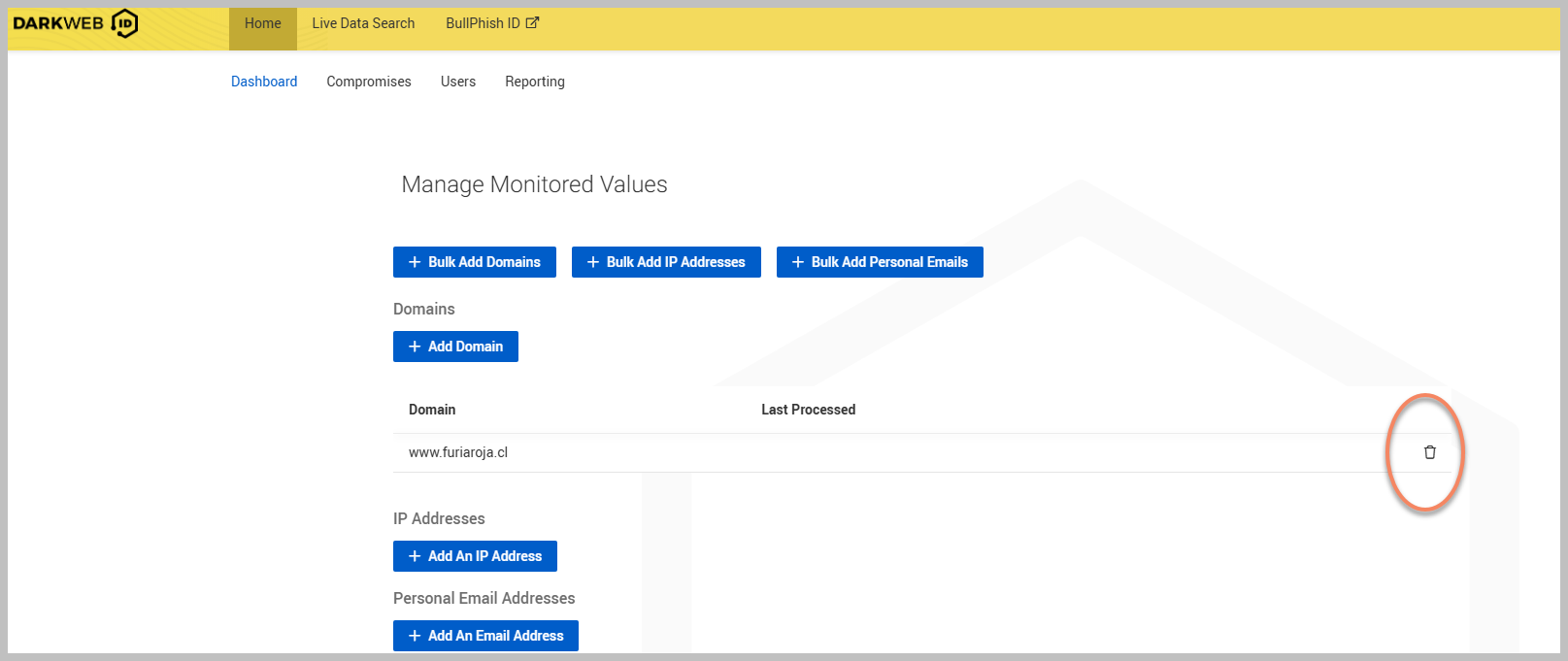
Click the trash can icon to delete the domain that is being monitored but not showing in the Cyber Threat Overview or any reports.
-
A pop-up window will prompt you to confirm deletion or cancel. Click Delete if you want to proceed.
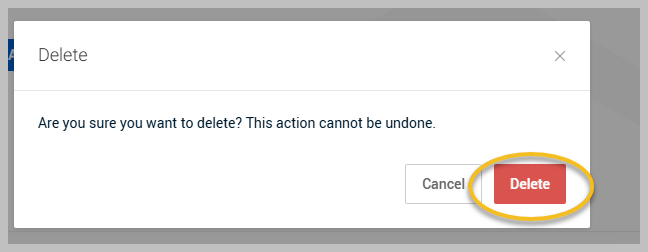
Removing the domain will remove any associated notes that you may have had and this will be deleted.
-
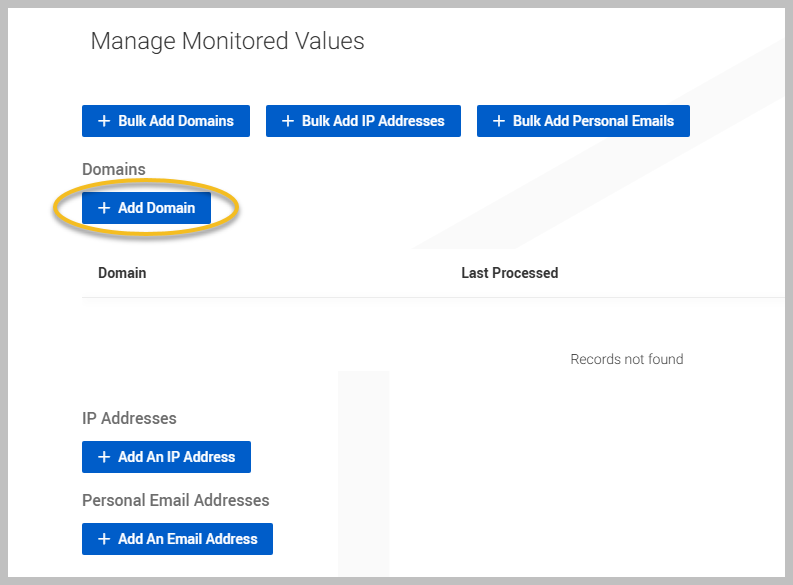
Click + Add Domain.
-
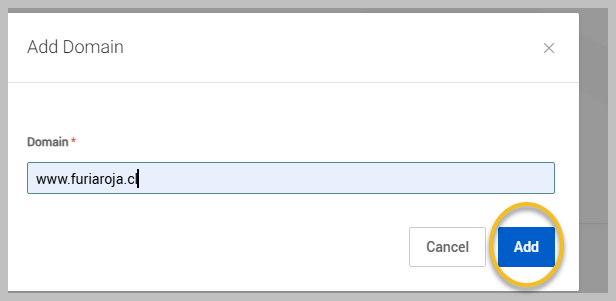
Type the domain and click Add.