Accessing the self-guided onboarding feature
The self-guided onboarding feature provides on-demand interactive help and introduces users to crucial Dark Web ID features and how to use them through pop-up menus.
When you log in to Dark Web ID, the self-guided onboarding feature is initiated with a welcome pop-up announcement.
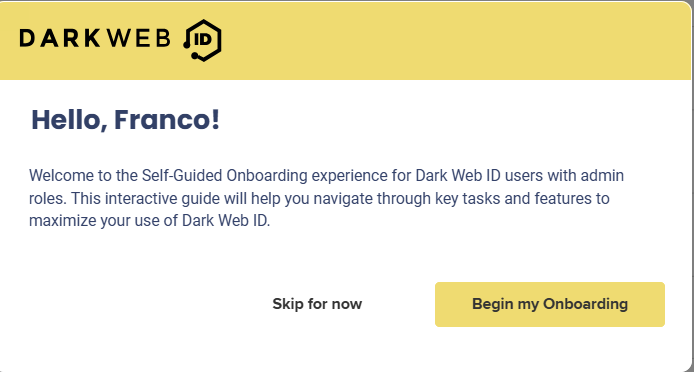
To start onboarding from the welcome pop-up announcement, follow these steps:
1. Click Begin my Onboarding to begin the onboarding walkthroughs.
NOTE If you don’t want to perform onboarding tasks now, click Skip for now. When you are ready to onboard, refer to Accessing onboarding tasks from the Tasks menu.
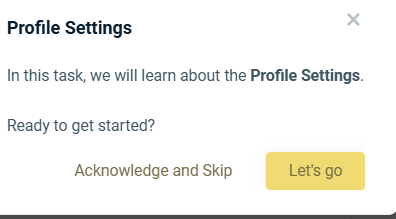
2. The Profile Settings modal begins. Click Let’s go!
3. Proceed through each pop-up window and click Next to move to the next one.
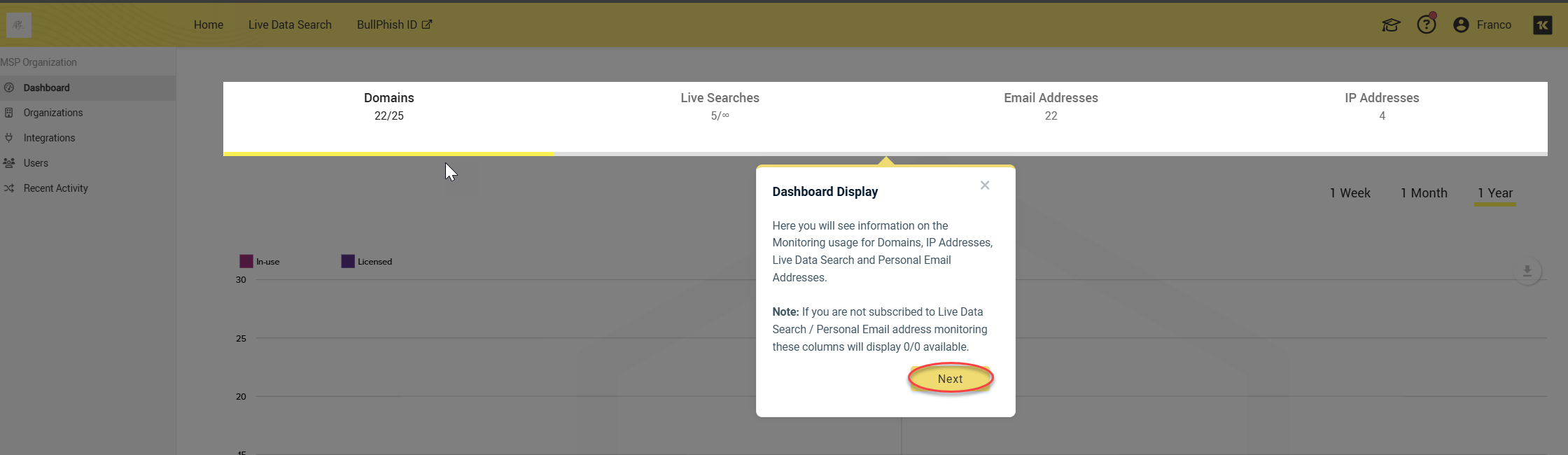
NOTE You can end a walkthrough anytime by clicking the X in the pop-up window.
NOTE Every time you click the X in a pop-up window to exit a walkthrough, a new Tip pop-up message reminds you that you can resume your self-onboarding at any time. 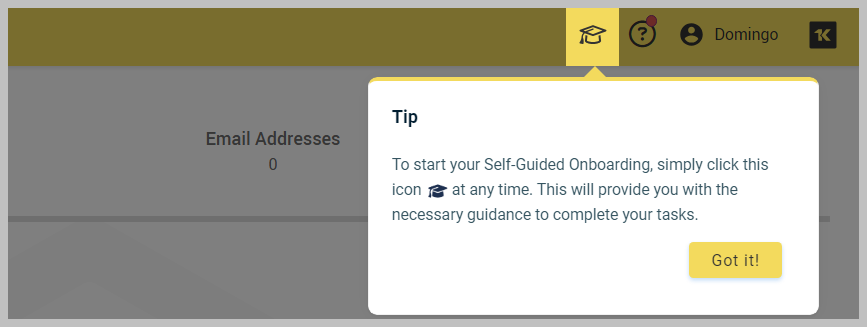
Accessing onboarding tasks from the Tasks menu
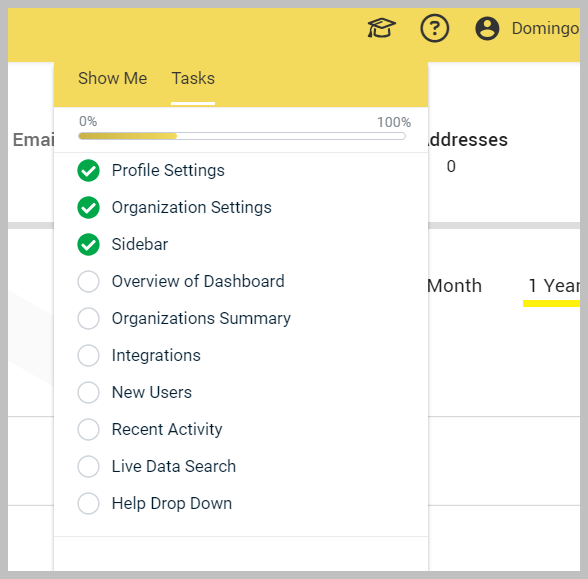
You can resume or replay your onboarding and check its completion status by clicking the graduation cap onboarding icon on the upper navigation menu. When you click it, a pop-up menu will be displayed.
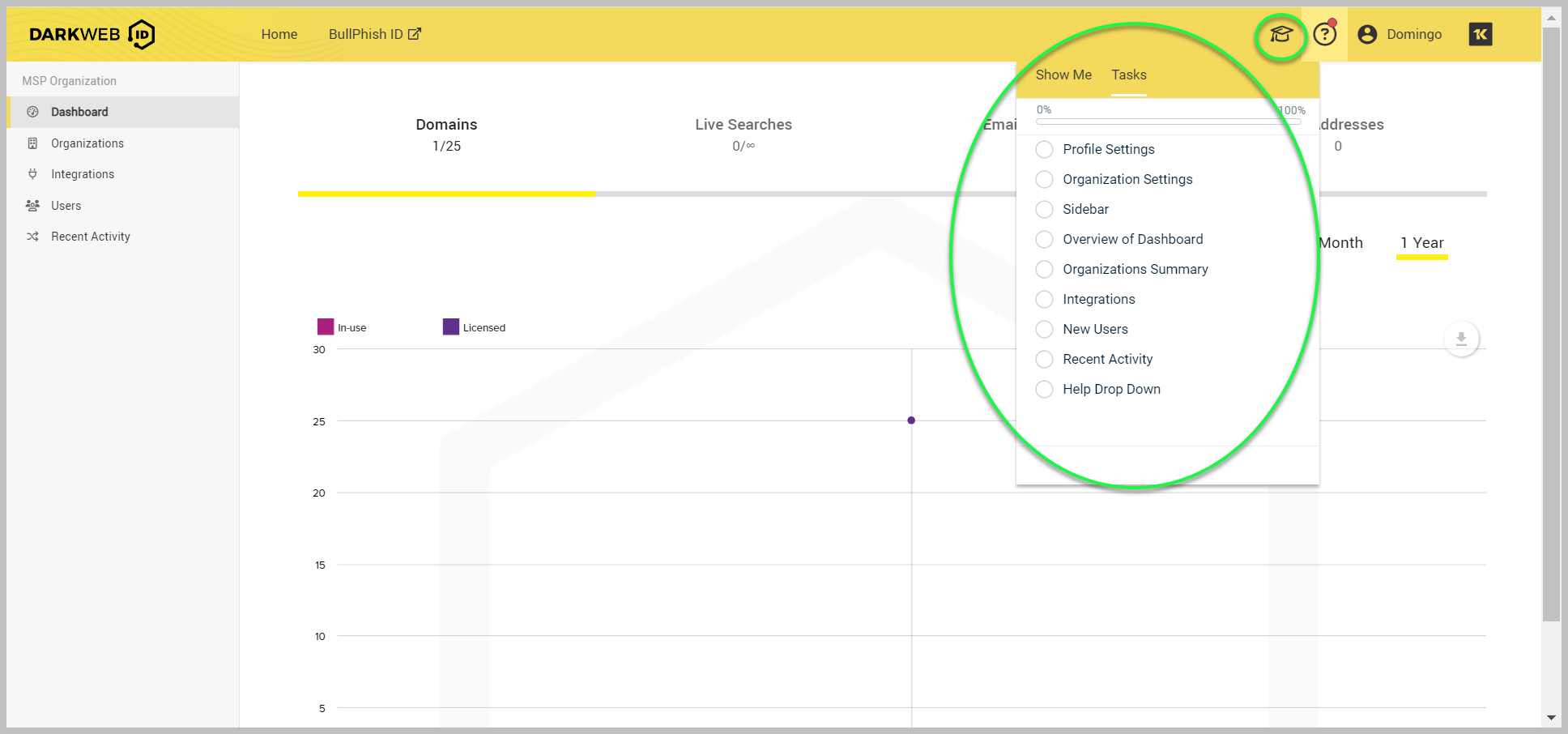
The pop-menu displays two tabs:
-
Tasks: Lists the onboarding tasks. Upon selecting a task to initiate your self-onboarding, you will see two options: Acknowledge and Skip and Let's go.
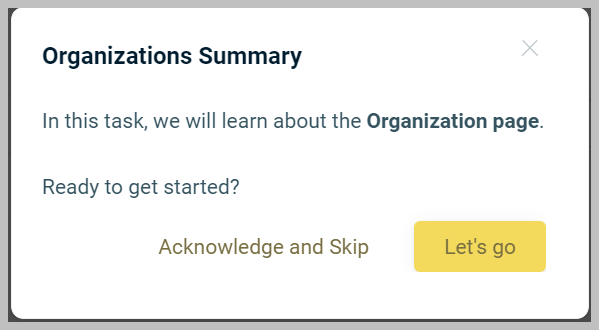
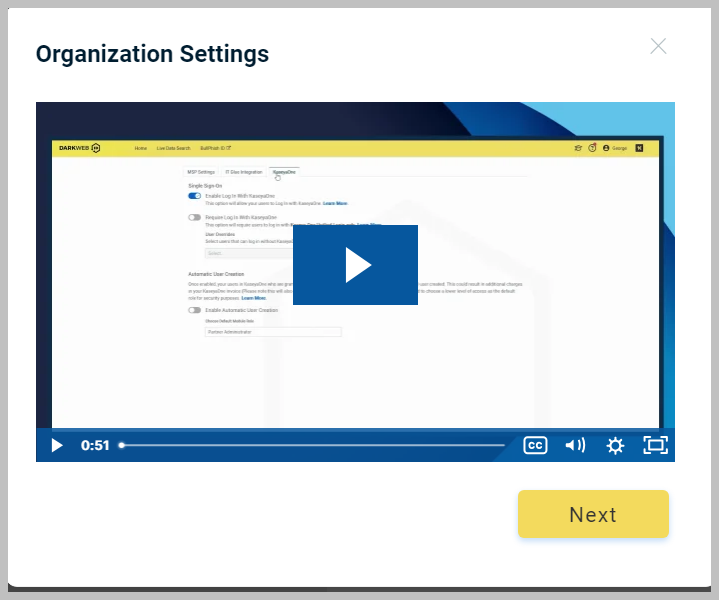
Acknowledge and Skip will automatically finalize the onboarding for the specified task. Clicking Let's go will begin the onboarding for the task with a short video presentation.
In addition to finalizing the onboarding for the specified task, Acknowledge and Skip also prompts you to move forward with the subsequent onboarding tasks. Click Let's go to advance to the next self-guided onboarding task.
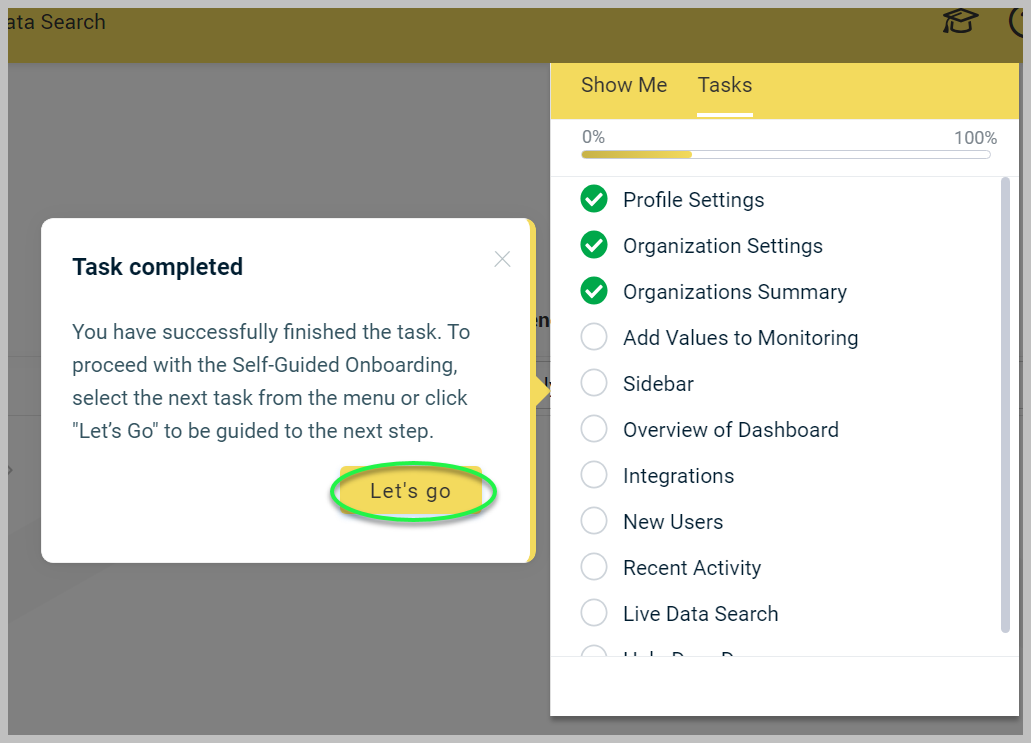
As you complete each task, it is checked off in the list.
-
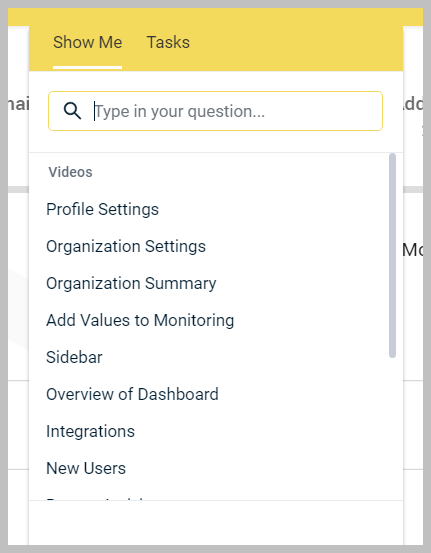
Show Me: The Show Me tab features self-onboarding videos. You can filter the videos by entering a term in the Type in your question... field.
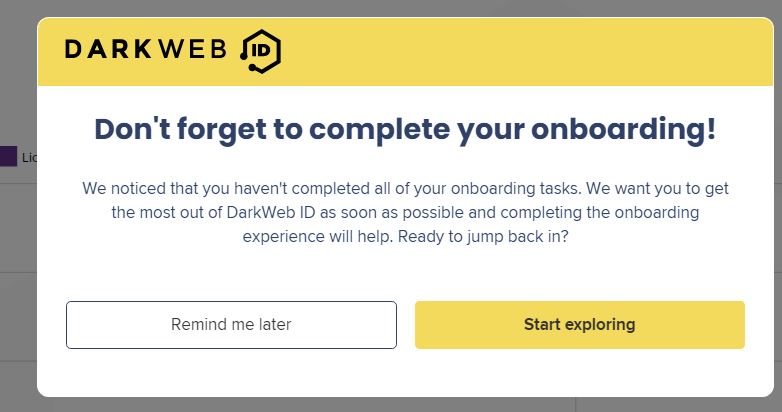
Upon logging in to Dark Web ID, the system will verify the completion of all onboarding tasks. If any tasks remain outstanding, a modal will be displayed to provide a reminder.
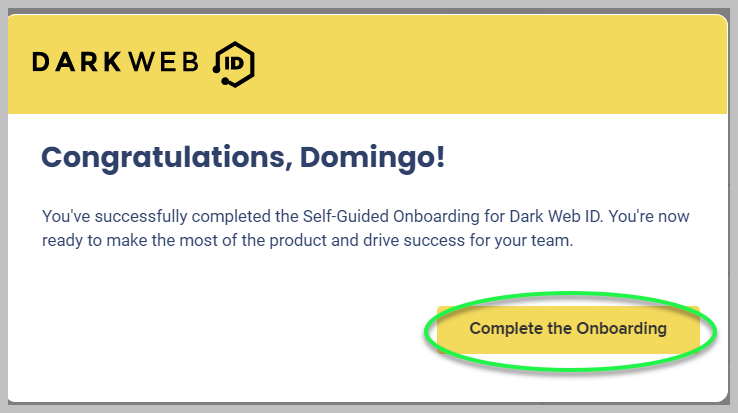
Upon completing your onboarding, a Congratulations pop-up window will be displayed. Click Complete the Onboarding to proceed.
Upon logging in to Dark Web ID at a later time, a pop-up window will appear, allowing you to register for Kaseya live learning sessions.


