Managing compromise notification emails my users are receiving
Compromise notification emails will be triggered when a new organization, domain, or partner user is added. Admin Partner Users will receive both Daily and Monthly notification emails. However, Partner Users with certain permissions—specifically for Live Data Search and Marketing—will not receive notifications.
To set or deactivate compromise notifications, follow these steps:
-
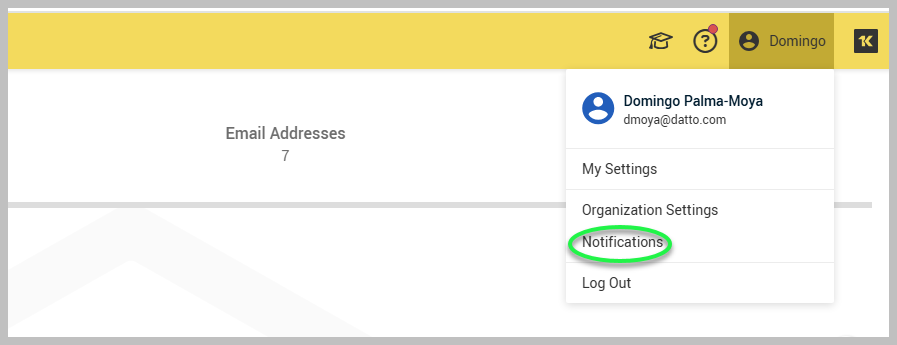
Go to My Account and click Notifications.
-
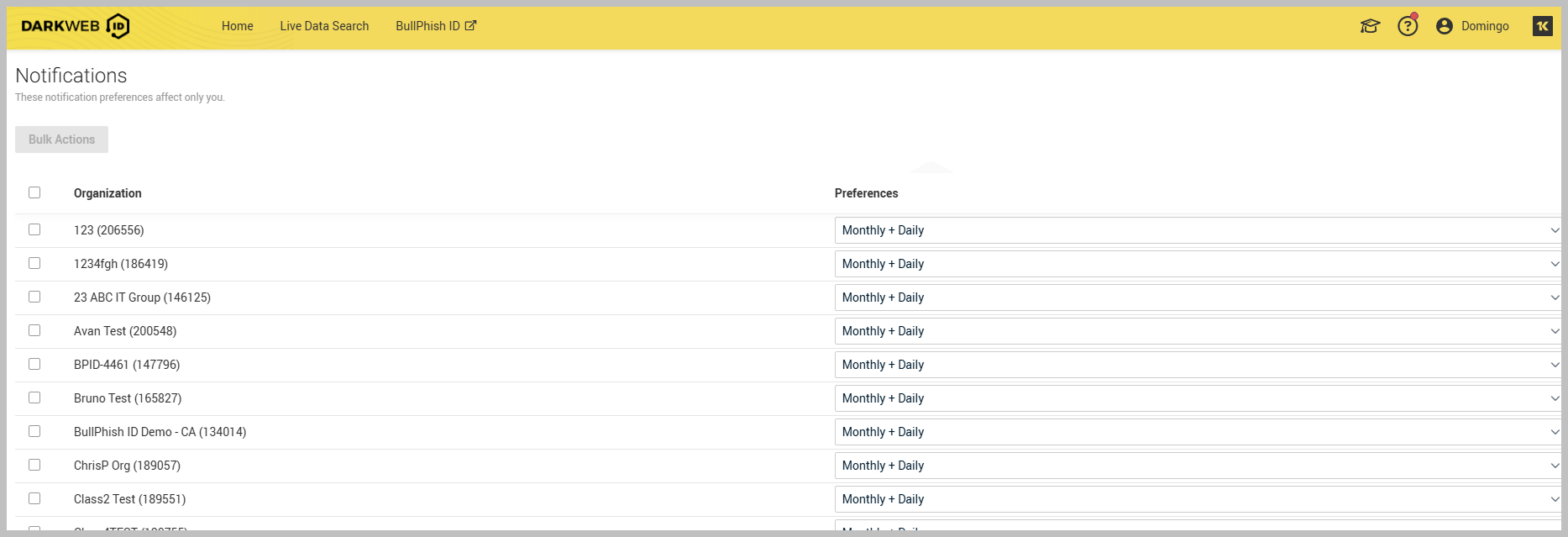
On the Notifications page, select the checkbox next to the organization for which you wish to establish a notification preference. Then, choose one of the following options: Daily, Monthly, Monthly + Daily, or Never.
-
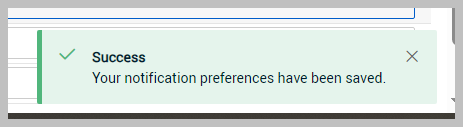
A small pop-up window will appear in the bottom-right corner to notify you that the notification preference has been successfully set.
-
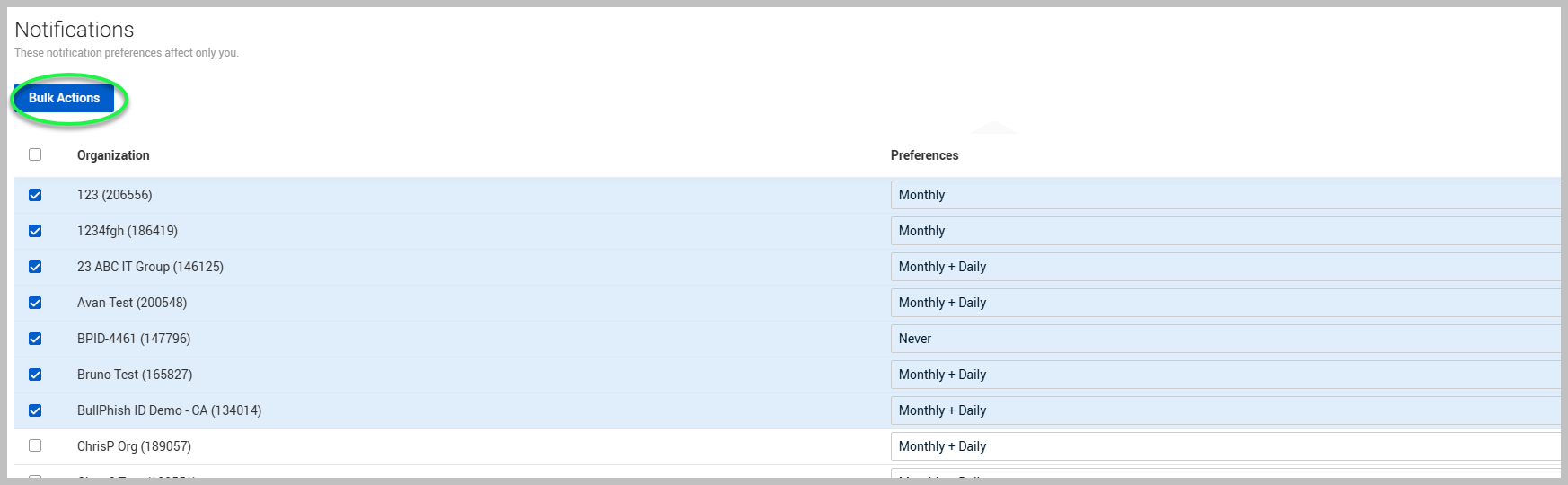
To apply notification preferences across multiple organizations, select them and proceed by clicking Bulk Actions.